
A coloring app toddlers can actually use
Tiny hands, big results. MaddieDraw is made so a two-year-old can tap a color, fill a picture, and end up with something beautiful — no reading, no tricky menus, and no mess to clean up.
No frustration, just "I did it!"
Toddlers are still learning to control their fingers — which is exactly why most coloring apps frustrate them. MaddieDraw fixes that: the color always stays inside the lines, so a wobbly tap still fills the shape perfectly. Every picture ends in pride, not a meltdown.
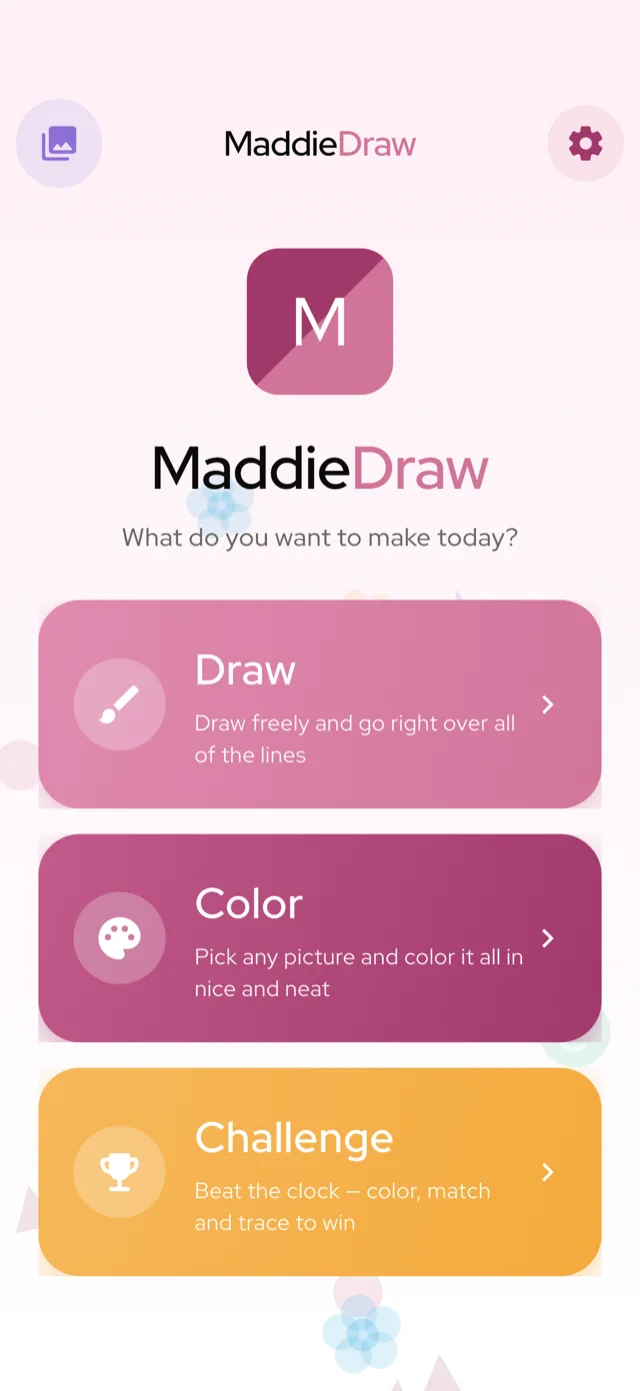
Why it works for toddlers
- Big, tappable pictures sized for little fingers — start with free unicorns and caticorns.
- No reading required — friendly icons and pictures, not text menus.
- No mess, no printing — all the calm of coloring without crayons under the couch.
- No ads, nothing sold to your child — see for parents.
Gently builds early skills
Tapping and choosing colors helps toddlers practise fine-motor control, color recognition, and cause-and-effect — the good kind of screen time. When they're ready to scribble freely, free-draw mode is one tap away.
Try it
Browse the coloring pages or see everything inside MaddieDraw. It's available now on the App Store and Google Play, and works beautifully on iPad.
What to look for in a toddler coloring app
Parenting guides agree on what makes a coloring app work for a two- or three-year-old: it fills with a single tap, it has no ads to tap by accident, and it works offline. Here's how MaddieDraw compares.
| What to look for | MaddieDraw | What to check in other apps |
|---|---|---|
| Tap-to-fill, not freehand | Yes — one tap fills the whole shape | Freehand apps need precise control toddlers don't have yet |
| No ads or pop-ups | None — no accidental taps on ads | Free apps often hide pop-up ads and links |
| Works offline | Yes — color anywhere, no Wi-Fi | Many need a connection to load pages |
| No reading needed | Picture menus, no text | Text menus can stump pre-readers |
| No tracking or purchases from kids | No tracking; purchases behind a parental gate | Check for data collection and one-tap buys |
Frequently asked questions
What is the best coloring app for a 2-year-old?
Look for tap-to-fill coloring (not freehand), no ads or pop-ups, and offline play. MaddieDraw was built around exactly this: a toddler taps a color and it fills the shape neatly, so a wobbly tap still finishes a tidy picture. It's free, ad-free, and needs no reading.
Does my toddler need to read to use MaddieDraw?
No. The whole app uses friendly pictures and icons instead of text menus, so a two-year-old can find a picture, pick a color, and fill it in on their own — no reading required.
Is MaddieDraw really free, with no ads?
Yes. The core app is completely free with no ads anywhere and no tracking of children. The optional MaddieDraw Plus sits behind a parental gate, so nothing is ever sold to your child.
Does the coloring app work offline?
Yes. MaddieDraw works fully offline, so your toddler can color on a plane, in the car, or anywhere without Wi-Fi. Finished pictures save to the 'My Art' gallery right on the device.
Why is tap-to-fill better than freehand coloring for toddlers?
Toddlers are still learning to control their fingers, so freehand coloring usually ends in scribbles and frustration. Tap-to-fill keeps the color inside the lines no matter how they tap, so every picture ends in pride instead of a meltdown.
New to coloring with little ones? Read what age kids start coloring and how to teach a toddler to color.