
A coloring app built for iPad
The iPad is the perfect coloring canvas for little hands — big, bright, and tactile. MaddieDraw is designed tablet-first to make the most of every inch, and feels just as lovely on iPhone.
Big canvas, tidy results
On iPad's large screen, pictures are generous and easy to tap, so even a toddler can fill a whole unicorn or dinosaur with confidence. Because the color stays inside the lines, there are no stray marks and no frustration — just a beautiful finished page to show off.
It's the calm, hands-on activity parents want from tablet time, with no ads and nothing sold to your child.
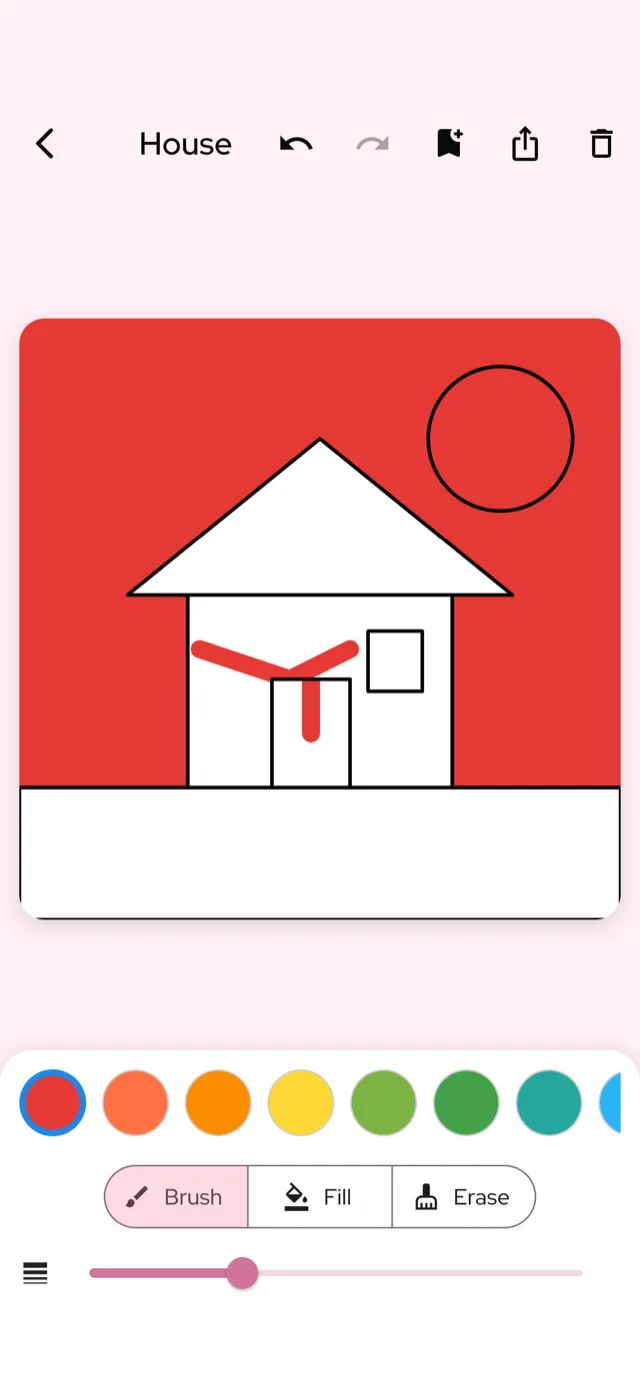
Everything works beautifully on tablet
All three modes are made for touch: tap-to-fill coloring pages, a roomy free-draw canvas, and gentle challenges. Artwork saves to the "My Art" gallery, ready to revisit any time.
Safe tablet time
No ads, no tracking of children, and purchases sit behind a parental gate. See the full picture on MaddieDraw for parents. MaddieDraw is available now on the App Store and Google Play.
What to look for in an iPad coloring app — and how MaddieDraw compares
The best coloring apps for young kids share a few things: they're ad-free, they don't need an Apple Pencil, the color stays tidy, and the price is honest. Here's how MaddieDraw measures up against what to watch for elsewhere.
| What to look for | MaddieDraw | What to check in other apps |
|---|---|---|
| Price | Free — optional Plus sits behind a parental gate | Many charge $3–10/month or $40–60/year |
| Ads & tracking | None — nothing sold to your child | Pop-up ads and data collection are common |
| Works without an Apple Pencil | Yes — tap-to-fill with a fingertip | Some are built around stylus or Pencil input |
| Stays inside the lines | Yes — every tap fills the shape neatly | Freehand tools let little hands color outside |
| Works offline | Yes — color anywhere, no Wi-Fi | Many need a connection to load pages |
| Age fit | Built for ages 3–8, no reading needed | Many target older kids, teens or adults |
Frequently asked questions
What is the best coloring app for iPad for young kids?
MaddieDraw is a top choice for iPad because its tap-to-fill coloring stays neatly inside the lines, making it easy for little fingers to create beautiful art on the big screen. It's free, ad-free, and designed for kids ages 3-8, with themes like unicorns and dinosaurs that they love.
Is MaddieDraw a good coloring app for iPad kids?
Yes, MaddieDraw is perfect for iPad kids because it's simple, safe, and engaging. Children can color with their fingers or a stylus, and the app includes fun challenge games and a free-draw canvas, all without ads or tracking.
Is there a free coloring app for iPad with no ads?
Absolutely, MaddieDraw is completely free with no ads and no tracking, so your child can color uninterrupted. The optional MaddieDraw Plus is behind a parental gate, but the core app remains free and ad-free for everyone.
Are there coloring games for iPad that are educational?
Yes, MaddieDraw includes gentle challenge games like Color Race, color-match, and shape-trace that help kids learn colors and shapes while having fun. These games are designed to be stress-free and work great on the iPad's larger screen.
Does MaddieDraw require an Apple Pencil or stylus for iPad?
No, MaddieDraw is designed for tap-to-fill coloring, so kids can use their fingers or any stylus, including an Apple Pencil, but it's not required. The app works wonderfully with touch, making it ideal for toddlers who might not have fine motor control yet.
Is MaddieDraw suitable for tablet coloring for toddlers?
Yes, MaddieDraw is perfect for toddlers on tablets like the iPad because the tap-to-fill method prevents frustration and keeps colors inside the lines. It's fully offline, so you can use it anywhere, and the My Art gallery stores their creations right on the device.