
A coloring app made for iPhone
MaddieDraw turns any iPhone into a pocket-sized coloring book — bold, tap-to-fill pictures that stay inside the lines, a free-draw canvas, and gentle challenges. Perfect for the car, the waiting room, or a quiet moment at home. No ads, no tracking, ever.
- Works on every iPhone
- Fully offline
- One-handed friendly
- No ads, ever
Why kids love coloring on iPhone
Coloring in your pocket
The whole coloring book fits in a pocket. Whenever a little one needs a calm moment — a long line, a car ride, a restaurant — a beautiful picture is one tap away.
Works with no signal
Everything runs on the device. No Wi-Fi, no data, no loading — MaddieDraw colors just as happily on a plane or in the back seat as it does at home.
Easy for small hands
Tap-to-fill needs just one finger, so even a toddler can color a whole unicorn on a phone screen — no smudges, no stray marks, no frustration.
Big pictures, small screen
MaddieDraw is drawn to look crisp and generous even on an iPhone. Pictures are bold and easy to tap, colors are bright, and because paint stays perfectly inside the lines, every page ends up something to be proud of.
It’s the calm kind of screen time parents actually feel good about handing over — with nothing sold to your child.
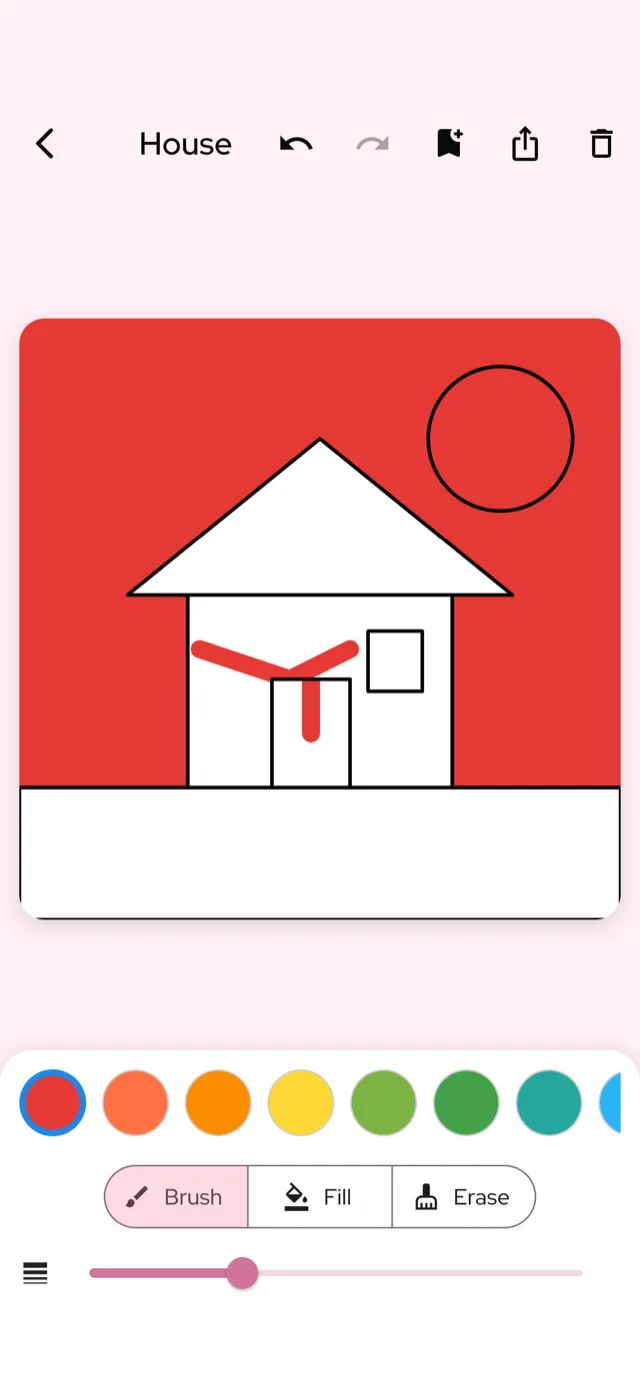
Start coloring on iPhone in under a minute
Download MaddieDraw free
Get it from the App Store on any iPhone running a recent version of iOS — no newest model needed.
Pick a picture
Choose from unicorns, dinosaurs, caticorns, farm animals and more on the coloring screen.
Tap to fill
Tap a color, then tap an area — it fills neatly inside the lines. Undo any time.
Save to My Art
Every finished page is saved to the on-device My Art gallery to revisit and admire.
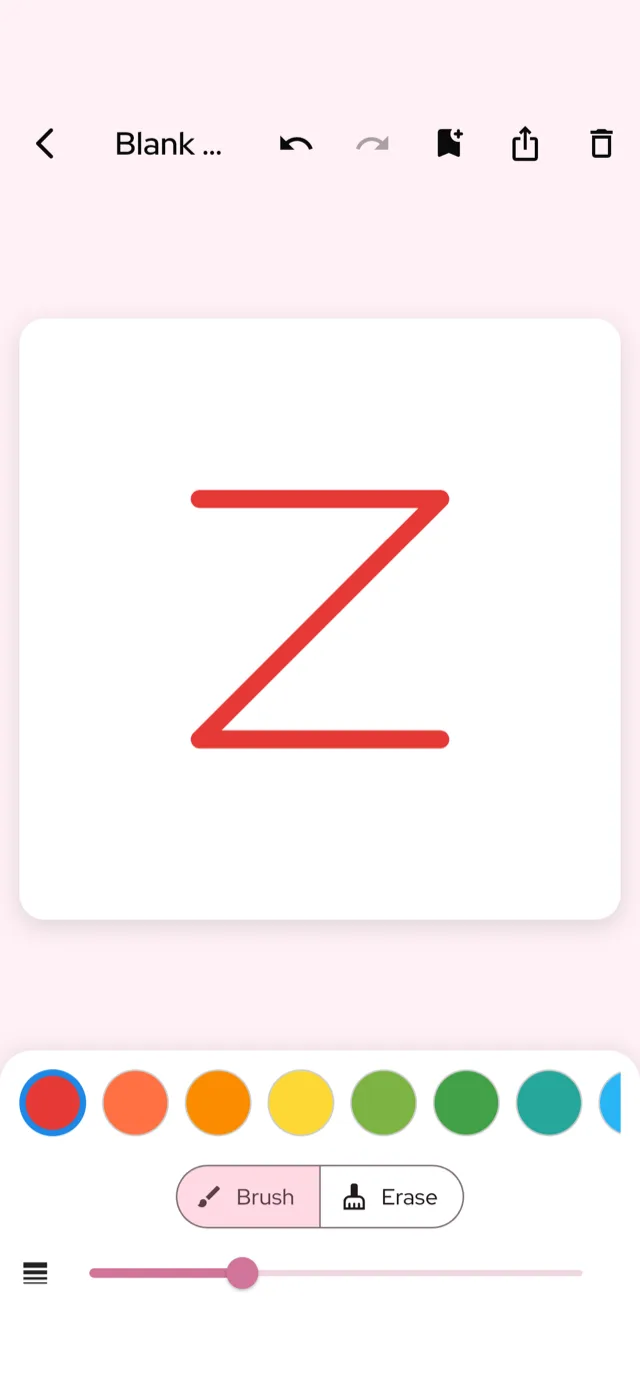
More than coloring
Beyond tap-to-fill pages there’s a blank free-draw canvas for pure imagination, and a set of gentle challenges — Color Race, color-match and shape-trace — that grow a little trickier as your child does.
Three ways to play, all made for touch. See everything in the app’s features. See features.
iPhone coloring app — frequently asked questions
Does MaddieDraw work on older iPhones?
Yes. MaddieDraw is lightweight and runs on any iPhone with a reasonably recent version of iOS — you don’t need the newest model. It works on iPhone SE right up to the latest Pro.
Does the coloring app work without internet?
Completely. MaddieDraw is fully offline — no Wi-Fi or data needed. It’s ideal for flights, road trips and anywhere signal is patchy.
Is the iPhone screen big enough to color on?
Yes. Pictures are designed to be bold and easy to tap even on a phone. For the biggest canvas, the same app also shines on iPad.
Is MaddieDraw free on iPhone?
Yes, it’s free to download and play with a generous set of pages. An optional MaddieDraw Plus subscription unlocks the full library, and it sits behind a grown-ups-only parental gate.
Are there any ads?
None. No banners, no pop-ups, no “watch a video to continue,” and nothing is ever marketed to your child.
Where are my child’s drawings saved?
In the app’s My Art gallery, stored right on your iPhone. Nothing is uploaded, and we don’t collect personal data from children.
Does it sync to iPad or iCloud?
Drawings are saved on the device they’re made on. There’s no account and no cloud sync — a deliberate privacy choice so kids can color without any sign-in.
Get MaddieDraw for iPhone
Free on the App Store. Also lovely on iPad and Android. App Store →