
A coloring app for every Android
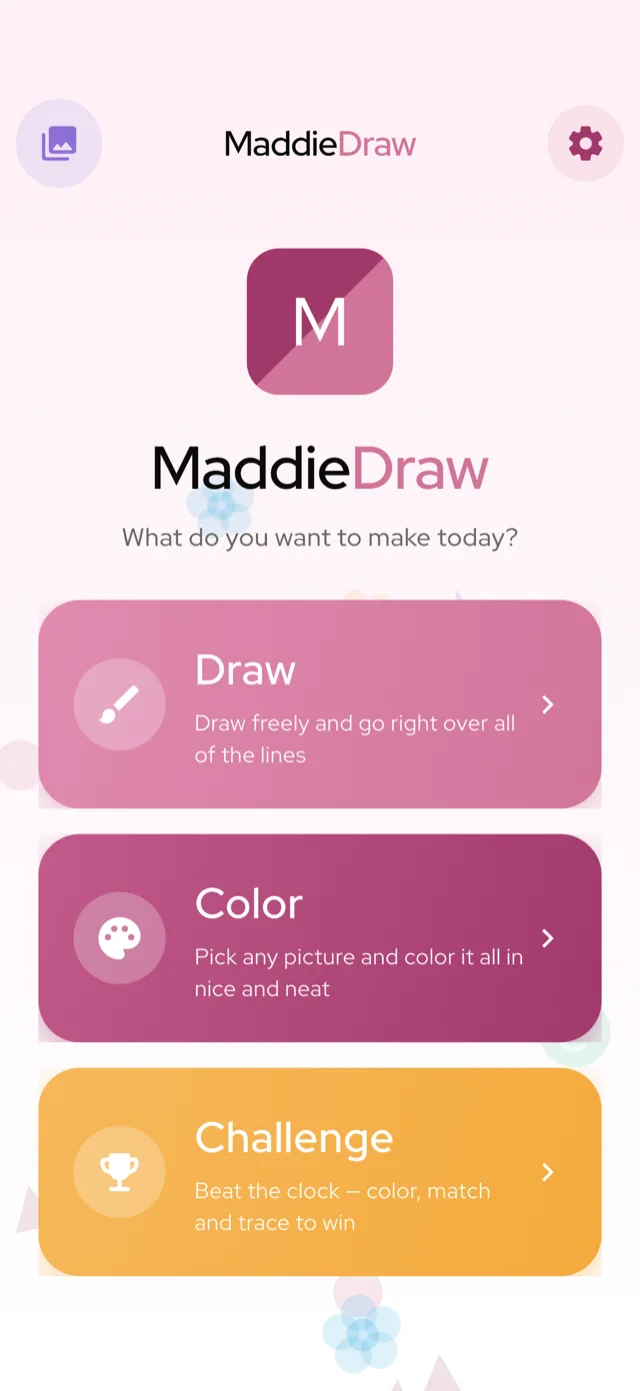
MaddieDraw is a free, ad-free coloring and drawing app on Google Play — running beautifully on Android phones, tablets and Chromebooks. Tap-to-fill pictures that stay inside the lines, a free-draw canvas, and gentle challenges. Rated Teacher Approved by Google Play.
- Phones, tablets & Chromebooks
- Teacher Approved on Google Play
- Fully offline
- No ads, ever
 MaddieDraw
 Draw freely, anywhere
Stay inside the lines
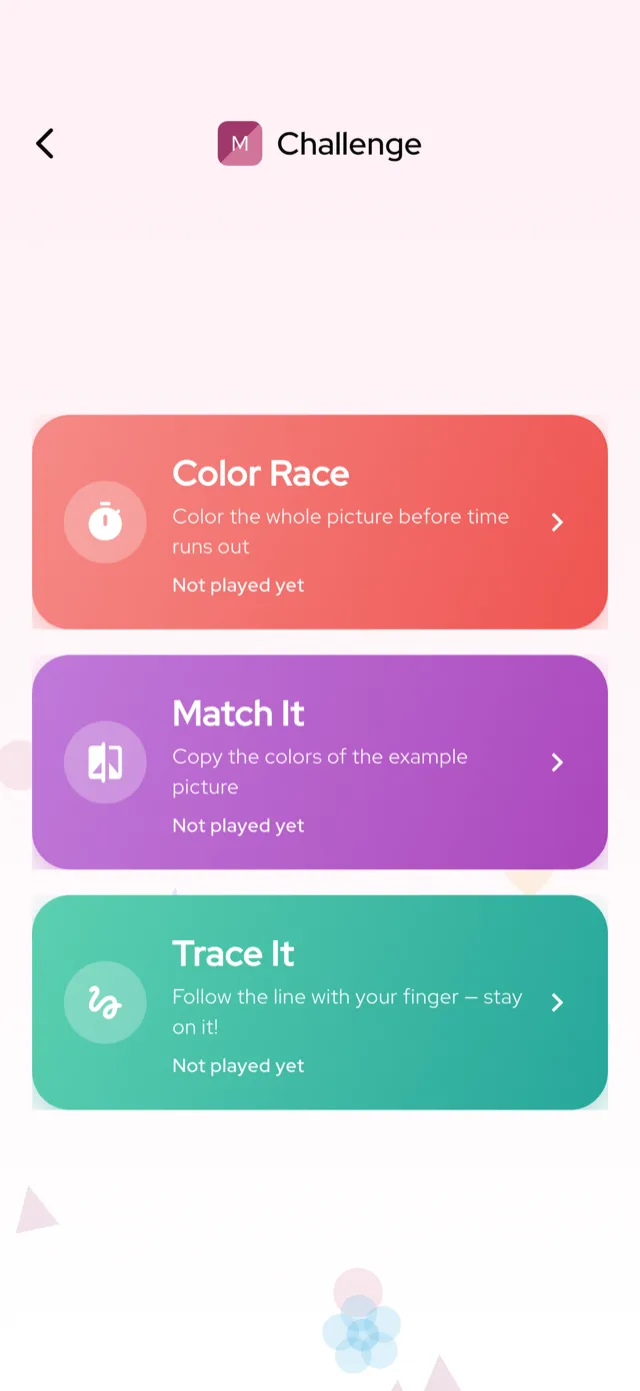
Race, match & trace
Made for the whole Android family
Runs on almost anything
Android comes in every shape and price. MaddieDraw is light and fast, so it colors smoothly on budget phones, big tablets and Chromebooks alike — no high-end device required.
Great on a big screen
On an Android tablet or a Chromebook, pictures open up into a generous canvas that little hands love — the same tidy, stays-in-the-lines coloring, with more room to fill.
Works with no signal
Everything runs on the device. No Wi-Fi, no data, no loading — perfect for road trips, flights and waiting rooms.
MaddieDraw earned Google Play’s Teacher Approved rating — reviewed by teachers and child-development specialists for age-appropriateness, ease of use and creative value, and featured on the Kids tab.
Three ways to play, all touch-first
Pick a picture and tap to fill it in, open a blank canvas for free-drawing, or take on a gentle challenge — Color Race, color-match and shape-trace. Each mode is built for a fingertip and gets a little trickier as your child grows.
Every creation is saved to the on-device My Art gallery, ready to revisit any time.
Install from Google Play in a few taps
Open Google Play
On any Android phone, tablet or Chromebook, open the Play Store and search “MaddieDraw” — or tap our Google Play link.
Install free
MaddieDraw is a small download and installs in seconds. It’s free, with no ads.
Pick a picture and color
Choose unicorns, dinosaurs, caticorns or farm animals, tap a color, and fill neatly inside the lines.
Save to My Art
Finished pages save to the on-device gallery — no account, no sign-in needed.
Safe screen time parents trust
No ads, no tracking of children, and any purchase sits behind a grown-ups-only parental gate. MaddieDraw asks for no personal information from kids and keeps every drawing on the device.
See the full safety picture on MaddieDraw for parents.
Android coloring app — frequently asked questions
Which Android versions does MaddieDraw support?
MaddieDraw runs on a wide range of Android versions and is designed to be light, so it works well even on older or budget phones. Just install it from Google Play.
Does it work on Android tablets and Chromebooks?
Yes. MaddieDraw shines on bigger screens — the coloring canvas opens up, which little hands love. It installs from Google Play on Android tablets and most Chromebooks that support Play Store apps.
What is “Teacher Approved” on Google Play?
It’s Google Play’s quality rating for kids apps. Teachers and child-development specialists review the app for age-appropriateness, ease of use and creative value. MaddieDraw earned it and is featured on the Play Kids tab.
Does the coloring app work offline?
Completely. MaddieDraw is fully offline — no Wi-Fi or mobile data needed — so it’s ideal for travel.
Is MaddieDraw free on Google Play?
Yes, it’s free to download and play with a generous set of pages. An optional MaddieDraw Plus subscription unlocks the full library and sits behind a parental gate.
Are there ads or in-app purchases aimed at kids?
No ads at all, and nothing is marketed to your child. The only purchase is the optional grown-ups-only MaddieDraw Plus subscription, behind a parental check.
Can I use it with Google Family Link or a kids profile?
Yes. MaddieDraw works within a child’s profile and Family Link setup like any Play app, and because it has no accounts and no ads, it’s an easy one to approve.
Get MaddieDraw on Google Play
Free on Google Play. Also made for iPhone and iPad. Google Play →